Roblox Studio Emissive Masks: Advanced Guide to Glowing PBR Textures
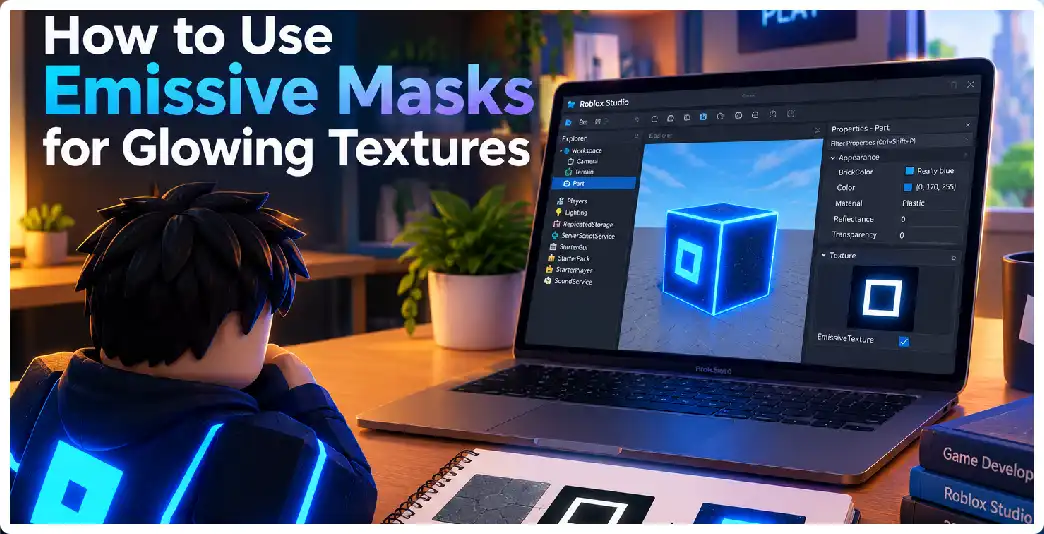
Glowing materials are a major part of modern game art. They can communicate information, establish atmosphere, guide players through environments, and create visual identity. In Roblox Studio, emissive masks provide a particularly useful method for adding controlled glowing regions to textured 3D assets. Instead of treating an entire object as a glowing surface, an emissive … Read more
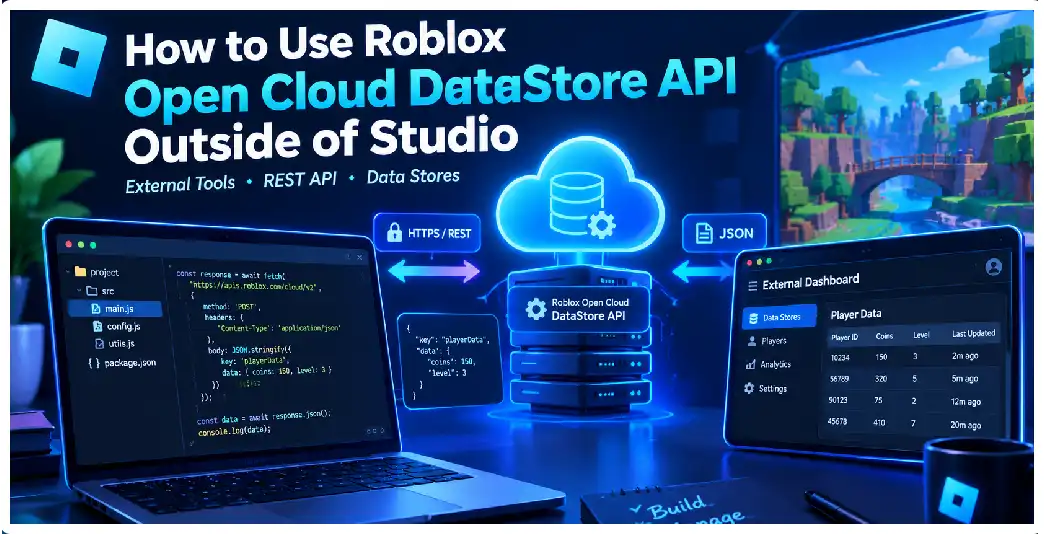
How to Use the Roblox Open Cloud Data Store API Outside Studio

Roblox Data Stores are normally accessed from code running inside a Roblox experience through the DataStoreService API. However, developers can also work with persistent game data from software running outside Roblox Studio and outside live Roblox servers by using the Open Cloud Data Store API. This opens the door to external dashboards, customer-support tools, migration … Read more

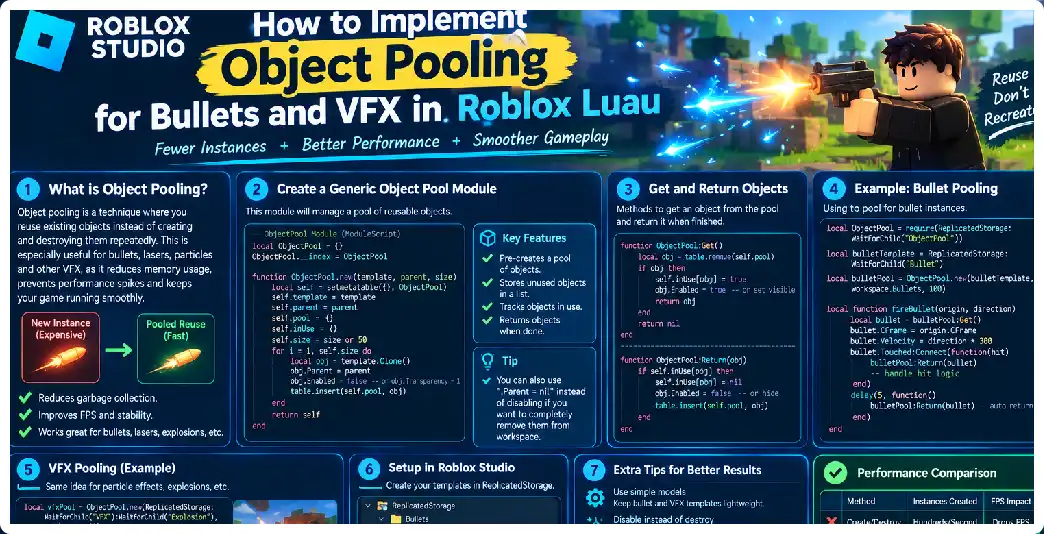
How to Implement Object Pooling for Bullets and VFX in Roblox Luau

When a Roblox experience contains weapons, automatic guns, explosions, muzzle flashes, tracers, impact effects, shell casings, projectiles, or other rapidly repeating visual effects, creating and destroying Instances continuously can become an unnecessary source of runtime work. Object pooling provides a reusable architecture in which a fixed or expandable collection of objects is created ahead of … Read more

How to Implement Object Pooling for Bullets and VFX in Roblox Luau

When a Roblox experience contains weapons, automatic guns, explosions, muzzle flashes, tracers, impact effects, shell casings, projectiles, or other rapidly repeating visual effects, creating and destroying Instances continuously can become an unnecessary source of runtime work. Object pooling provides a reusable architecture in which a fixed or expandable collection of objects is created ahead of … Read more

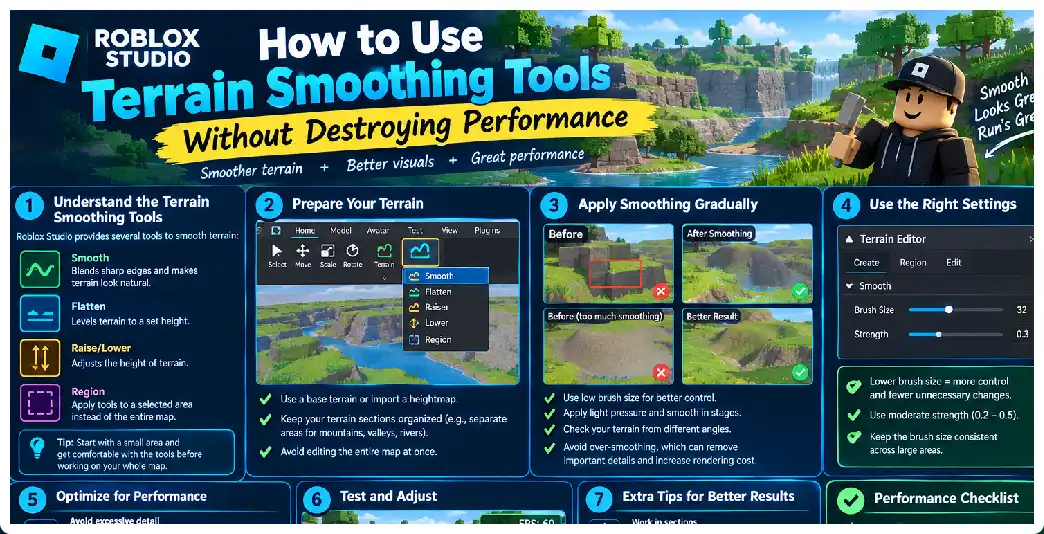
How to Use Terrain Smoothing Tools Without Destroying Performance in Roblox Studio

Creating natural-looking terrain is one of the most important parts of building an outdoor Roblox environment. Mountains, hills, cliffs, valleys, islands, roads, riverbanks, caves, and landscapes can make a game feel considerably more immersive. Roblox Studio’s Terrain Editor provides several tools for creating and modifying these environments, including Draw, Sculpt, Smooth, Flatten, Paint, Select, Transform, … Read more

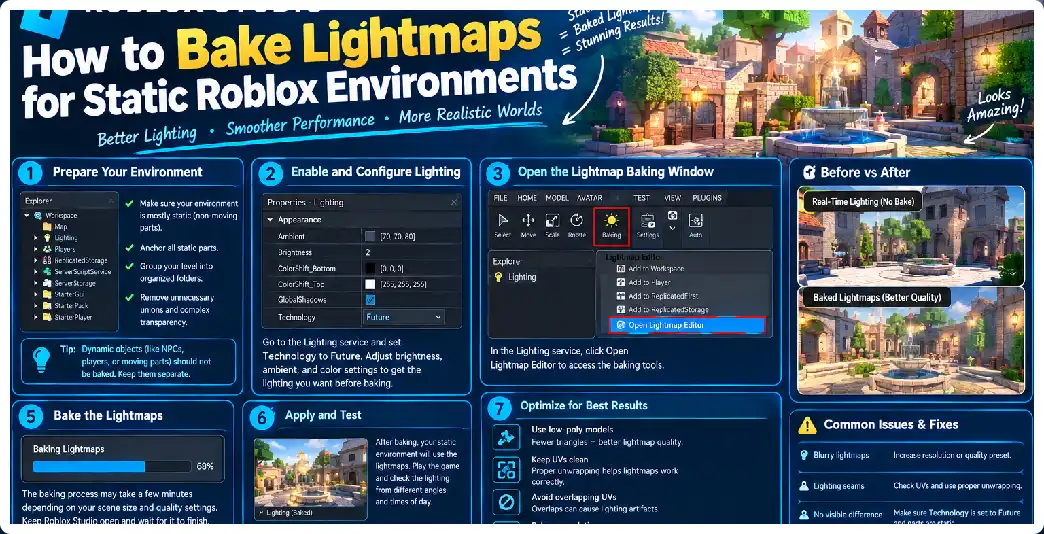
How to Bake Lightmaps for Static Roblox Environments

Creating a visually rich static environment in Roblox often involves much more than placing Parts, MeshParts, materials, and lights. When an environment contains buildings, corridors, rooms, underground areas, warehouses, caves, or architectural spaces, realistic indirect illumination can dramatically improve the appearance. Light bouncing from walls, subtle shadowing beneath objects, darker corners, and controlled brightness can … Read more

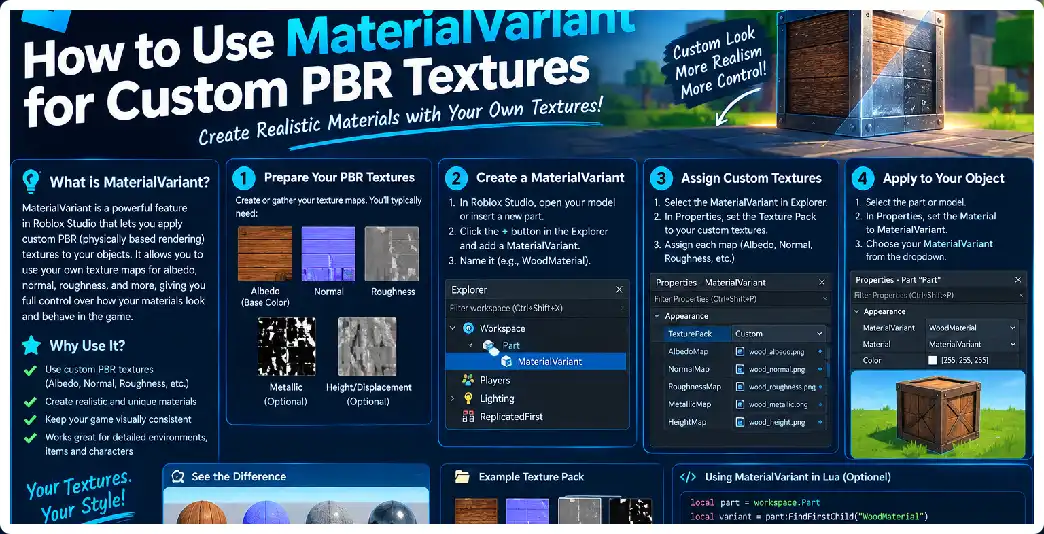
How to Use MaterialVariant for Custom PBR Textures in Roblox Studio

Creating realistic environments in Roblox Studio is no longer limited to the standard materials included with the platform. Developers can create reusable custom materials using MaterialVariant and combine them with physically based rendering, commonly called PBR, to produce surfaces such as realistic concrete, painted walls, wood, stone, metal, tiles, fabric, dirt, and many other materials. … Read more

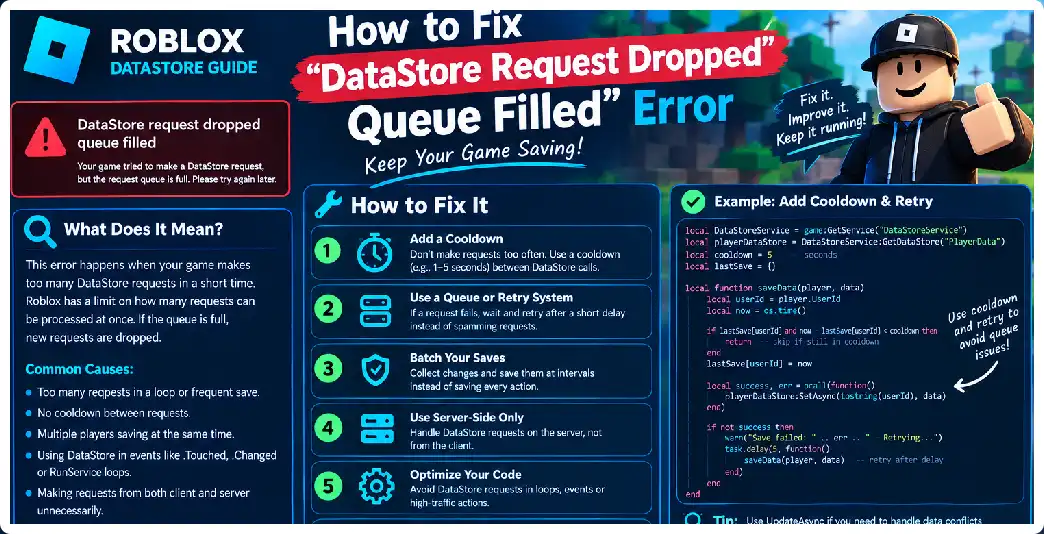
How to Fix the DataStore Request Dropped: Queue Filled Roblox Error

The “DataStore request dropped: request was throttled but queue was full” error is one of the most common signs that a Roblox experience is sending DataStore requests faster than the available DataStore budget can process them. It can appear with operations such as GetAsync(), SetAsync(), UpdateAsync(), IncrementAsync(), RemoveAsync(), and related DataStore operations. The important point … Read more

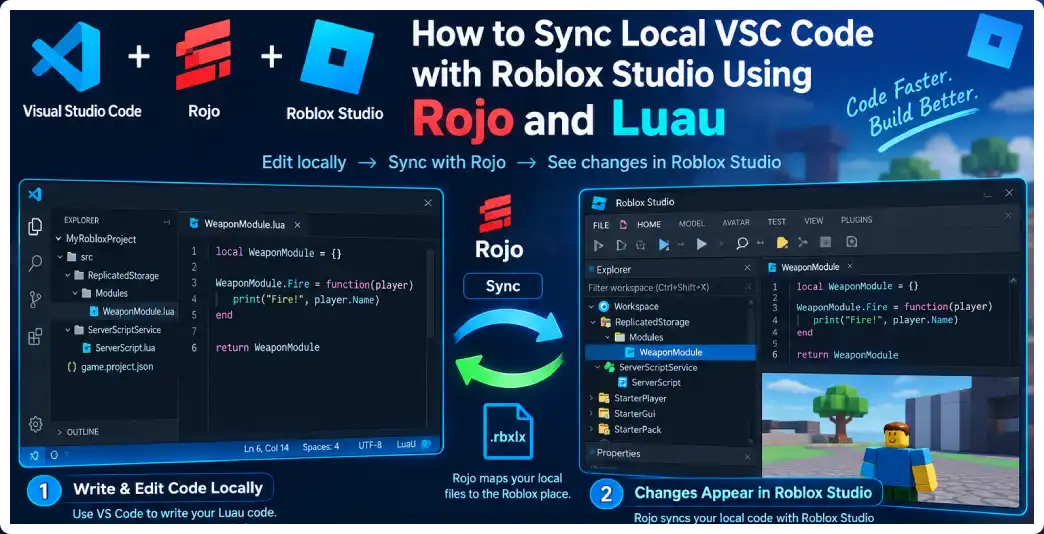
How to Sync Local VS Code Code With Roblox Studio Using Rojo and Luau

Developing a Roblox game entirely inside Roblox Studio can work well for small projects, but larger projects often benefit from moving Luau development into a dedicated code editor such as Visual Studio Code. A local development workflow makes it easier to organize scripts, search across a large codebase, use source control, format code, perform static … Read more